





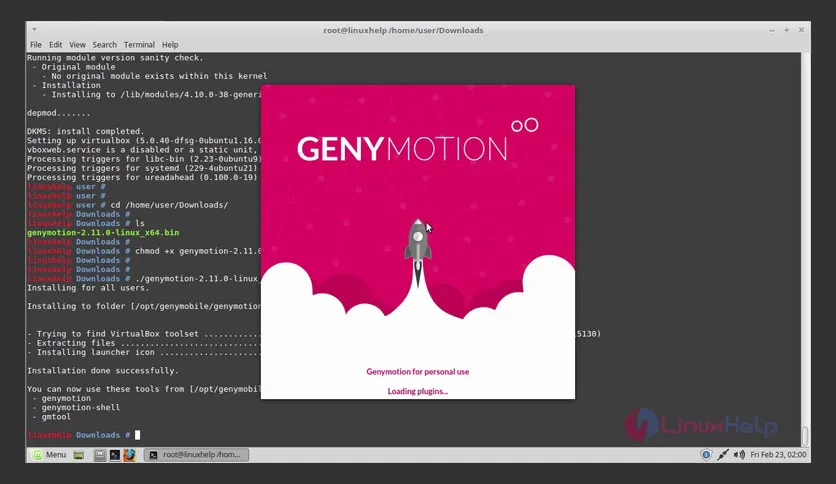
Genymotion 3.7.1 Overview
Free Download Genymotion 3.7.1 full version offline installer. This program helps you test Android applications in fast, configurable virtual device environments.
Genymotion is an Android emulator built for developers who need reliable device simulation. It runs on desktop operating systems and creates virtual Android devices with customizable hardware profiles, sensor controls, and network conditions. Software engineers use it to test apps across different Android versions and screen sizes without maintaining physical device collections.
The platform provides faster performance than many stock Android emulators through x86 architecture virtualization. Development teams integrate it into continuous integration pipelines, manual testing workflows, and automated test suites. It supports both individual developer licenses and enterprise deployments with centralized device template management.
Interface design prioritizes quick device creation and configuration changes during active development sessions. Users can modify GPS coordinates, battery levels, network speeds, and incoming call simulations in real time while applications run. This makes reproducing specific test scenarios straightforward without flashing ROMs or rooting physical hardware.
Main Capabilities
- Virtual device creation with Android versions from 4.1 through 13, covering major API level ranges developers target in production applications
- Hardware profile customization including screen resolution, pixel density, RAM allocation, CPU core count, and storage capacity for each virtual device
- Sensor simulation controls for GPS location injection, accelerometer movement, battery state, network type switching, and phone call/SMS injection during runtime
- Screen recording and screenshot capture tools that generate output files for bug reports and documentation without third-party screen capture software
- ADB access integration allowing standard Android Debug Bridge commands and IDE connections through standard debugging ports
- Plugin system supporting camera injection from webcam feeds, drag-and-drop APK installation, and clipboard synchronization between host and guest systems
- Command-line interface for scripting device lifecycle operations, enabling automated virtual device provisioning in CI/CD environments
- Network traffic inspection and throttling controls that simulate 3G, 4G, and poor connectivity conditions for network behavior testing
System Requirements and Technical Details
- Operating System: Windows 10 64-bit, Windows 11, macOS 10.14 or later, Ubuntu 20.04 LTS or later, Debian 10 or later
- Processor: Intel or AMD processor with virtualization extensions enabled in BIOS, VT-x or AMD-V support required
- Memory: 4 GB RAM minimum for single device instances, 8 GB recommended for multiple concurrent devices
- Storage: 2 GB for application installation, additional space varies by number and size of virtual device images created
- Display: 1280x800 minimum screen resolution for full interface visibility
- Graphics: OpenGL 3.0 compatible graphics card with updated drivers
- Virtualization: Oracle VirtualBox 6.1 or later installed and configured, or native hypervisor support on supported platforms
- Internet: Required for initial device template downloads and license activation, optional after setup completes
Installation and First Device Setup
Download the installer package from the download button on this page. The executable contains the complete application bundle and does not require separate dependency downloads during installation.
Run the installer with administrator privileges on Windows or appropriate permissions on Linux and macOS. The setup wizard detects existing VirtualBox installations or prompts for hypervisor configuration if not present. Accept the default installation directory unless specific deployment policies require alternate locations. The installer registers file associations for Genymotion device templates and configures system path variables for command-line access.
Launch Genymotion after installation completes. The first-run wizard requests license credentials or offers trial activation for evaluation periods. Navigate to the device creation interface and select an Android version matching target application requirements. Choose a device profile from the template library or create custom hardware specifications. The software downloads the selected Android system image and creates the virtual device within five to ten minutes depending on network speed. Start the device from the main interface to verify successful boot and ADB connectivity.
Install an APK by dragging the file onto the running emulator window. The application installs automatically and appears in the app drawer. Configure GPS coordinates through the GPS widget in the right sidebar, entering latitude and longitude values or selecting locations from the map interface. Test sensor controls by adjusting battery level sliders and network type dropdowns while the application runs. Check logcat output through the integrated console or connect external debugging tools through the ADB port displayed in device details.
Mencari link download asli… menunggu 0 detik. Mohon tunggu, biasanya beberapa puluh detik.





