





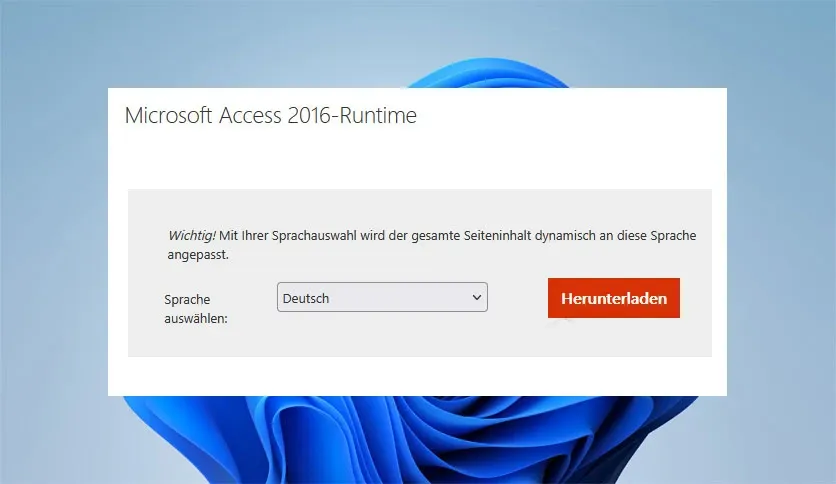
Free Download Microsoft Access 2016 Runtime full version offline installer. This program helps you distribute database applications to users without requiring a full Access license.
Microsoft Access 2016 Runtime Overview
Microsoft Access 2016 Runtime enables execution of database solutions created with Access 2016 on computers lacking the full desktop suite. Developers rely on this redistributable component to deploy custom applications safely. End users interact with forms, reports, queries, and tables without altering underlying design structures. Organizations utilize this redistributable tool to reduce licensing costs across large deployments.Executing database applications built with macros, VBA code, and custom user interfaces requires this engine. Standard users cannot create new databases or modify existing table designs using this edition. Protection features safeguard intellectual property by locking down design views and restricting table modifications. Integration with SQL Server and SharePoint data sources functions identically to the full suite. Access 2016 Runtime Download Latest Version provides essential support for legacy systems and specialized enterprise software.Deployment managers package this engine alongside custom applications to simplify workstation provisioning. Standard installation routines place necessary DLLs and registry entries on target machines automatically. Database administrators maintain strict version control across client machines by standardizing on this runtime package.Core Features of Microsoft Access 2016 Runtime
- Executes compiled ACCDE, ACCDR, and ACCDB database files seamlessly on target workstations.
- Renders complex user interface elements, including navigation panes, custom ribbons, and modal forms.
- Processes Visual Basic for Applications code and custom macros without modification.
- Connects external data sources such as SQL Server, ODBC drivers, and Excel spreadsheets.
- Enforces read-only design protection to prevent unauthorized alterations of tables and queries.
- Supports local database operations including sorting, filtering, and parameter query execution.
- Provides error logging and diagnostic capabilities for troubleshooting deployed application issues.
System Requirements and Technical Details
- Operating System: Windows 7, Windows 8, Windows 8.1, Windows 10, or Windows 11.
- Processor: 1 GHz or faster x86-bit or x64-bit processor with SSE2 instruction set.
- RAM: 2 GB RAM for 64-bit systems or 1 GB RAM for 32-bit systems.
- Hard Disk Space: 3 GB available disk space for installation and temporary files.
- Display: Graphics hardware acceleration requires DirectX 10 graphics card and 1024 x 768 resolution.
- Internet: Active internet connection required for downloading setup files and product activation verification.
Installation Guide and Setup Instructions
Obtain the setup file from the download link on this page and save the installer to local storage. Double-click the executable file to launch the installation wizard. Accept default settings and complete prompts to finish installation.Resolve "Error 1719" or Windows Installer service failures by restarting the Windows Installer service via the Services management console. Administrative privileges are required during setup, so execute the installer with elevated permissions if access denied prompts appear. Replicate this installation process on additional client machines by executing the same setup file and maintaining identical default path configurations.Use only legally obtained software to ensure security compliance and receive proper vendor updates.Mencari link download asli… menunggu 0 detik. Mohon tunggu, biasanya beberapa puluh detik.





