





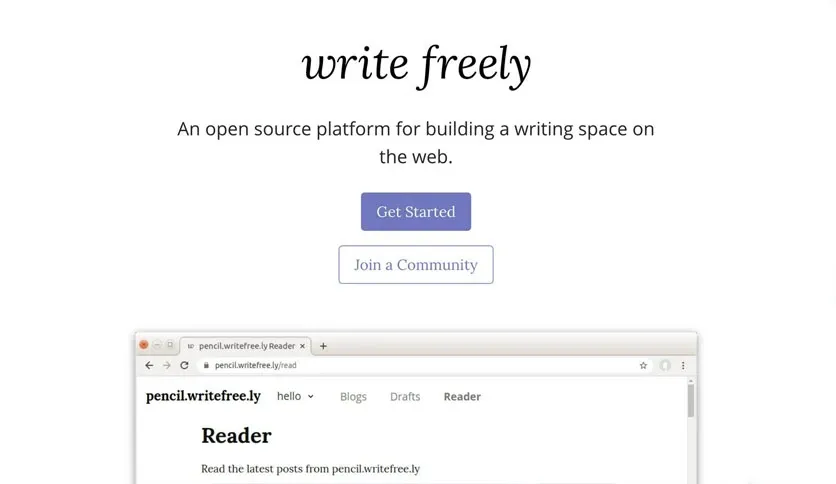
Free Download Writefreely full version offline installer. This program helps you publish minimalist federated blogs using ActivityPub protocol.
Writefreely Download Latest Version Overview
Writefreely is an open-source, minimalist blogging platform built for writers who value speed and focus. The software runs on Go, compiling into a single binary that uses SQLite or MySQL for storage. Users deploy this engine to run distraction-free personal journals, organizational blogs, or multi-author magazines.Writers interact with a clean, Markdown-first text editor devoid of cluttered toolbars and widgets. Readers experience lightning-fast page loads because the platform renders static-like pages directly from the database without heavy JavaScript frameworks. Built-in ActivityPub federation connects your publication to the decentralized social web, known as the fediverse, letting users on Mastodon and other platforms follow your blog and leave comments natively.The platform targets solo authors, independent journalists, and communities seeking an alternative to commercial publishing monoliths. Administrators appreciate the low resource footprint, which allows self-hosting on inexpensive virtual private servers. Content portability remains a primary strength, as export tools output standard Markdown files for absolute data ownership.Writefreely Features
- Fediverse integration via ActivityPub protocol enables global followers and replies from decentralized social networks.
- Distraction-free Markdown editor provides clean writing environment without visual noise or formatting interruptions.
- Multi-user support lets administrators host multiple independent blogs or single-user journals from one installation.
- Customizable themes use simple CSS and HTML templates for personalized site design and typography layout.
- Anonymous posting options allow contributors to publish content securely without creating permanent accounts.
- RSS and JSON feeds generated automatically for every blog and collection to support feed readers.
- Draft management and scheduled publishing tools control release timelines for articles and essays.
System Requirements and Technical Details
- Operating System: Linux, Windows, macOS, or FreeBSD server environments.
- Processor: 1 GHz or faster CPU.
- RAM: 512 MB minimum system memory.
- Disk Space: 100 MB free storage for binary and database files.
- Display: Web browser required for administrative dashboard and public reading interface.
- Internet: Active network connection required for federation traffic and remote server access.
Installation and Setup Guide
Obtain the setup file using download button on this page. Extract compressed archive to target directory on server.Execute binary file to initialize application environment and generate default configuration file named `config.ini`. Open `config.ini` in text editor, then update database credentials and server port settings to match hosting environment.Run binary again to start web server process, navigate to local address in browser, and complete first-run admin account creation wizard.Mencari link download asli… menunggu 0 detik. Mohon tunggu, biasanya beberapa puluh detik.





